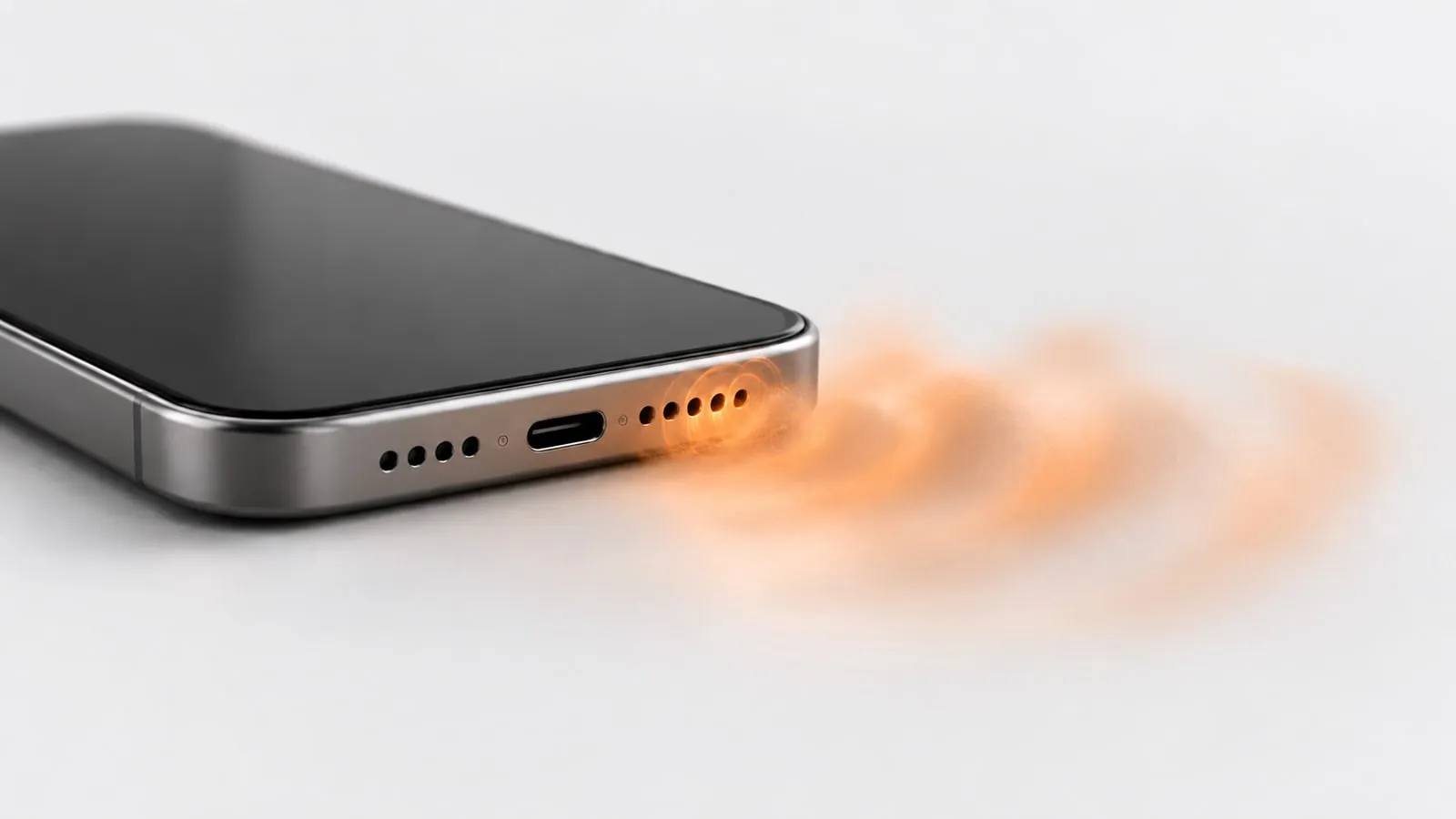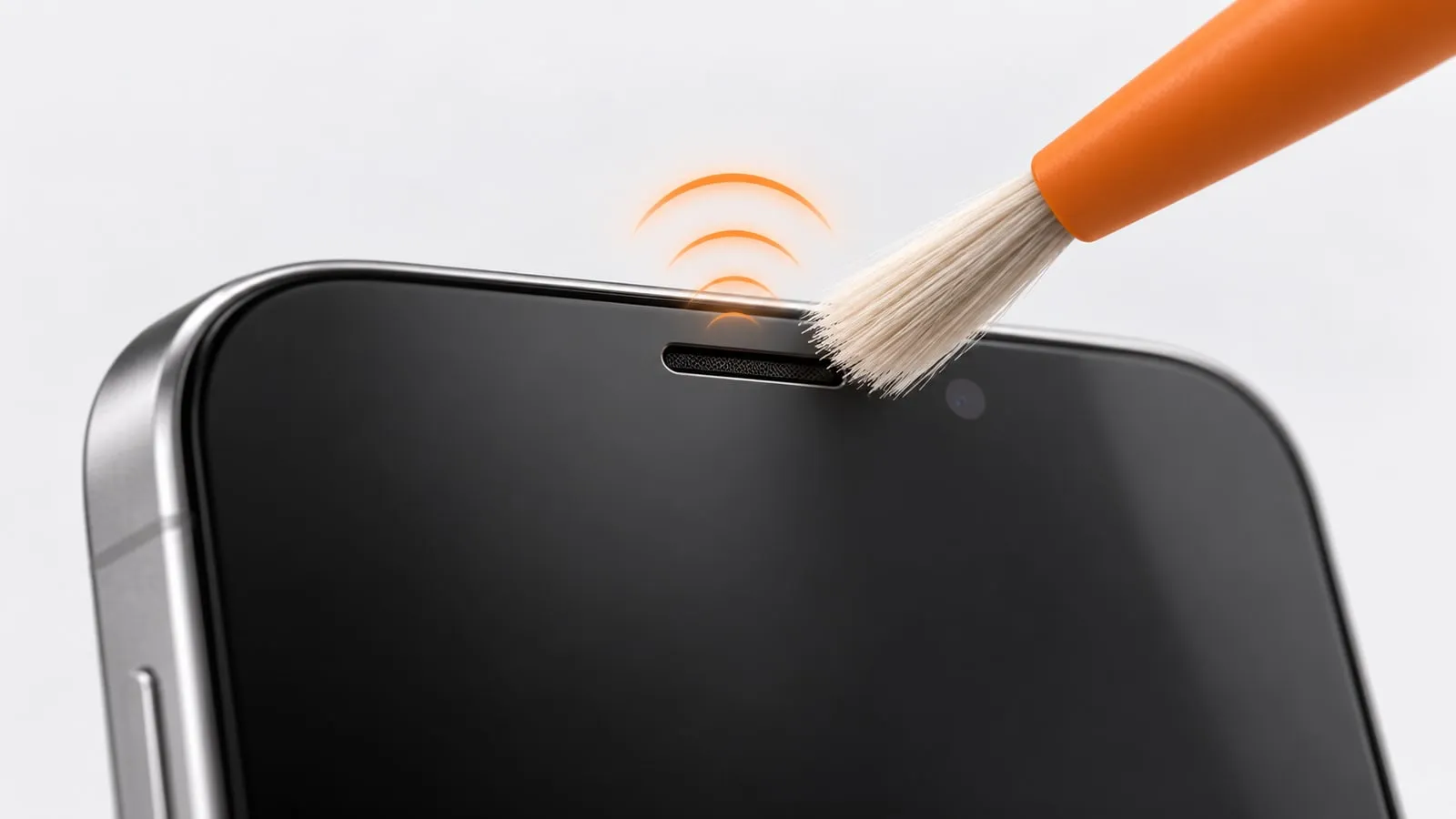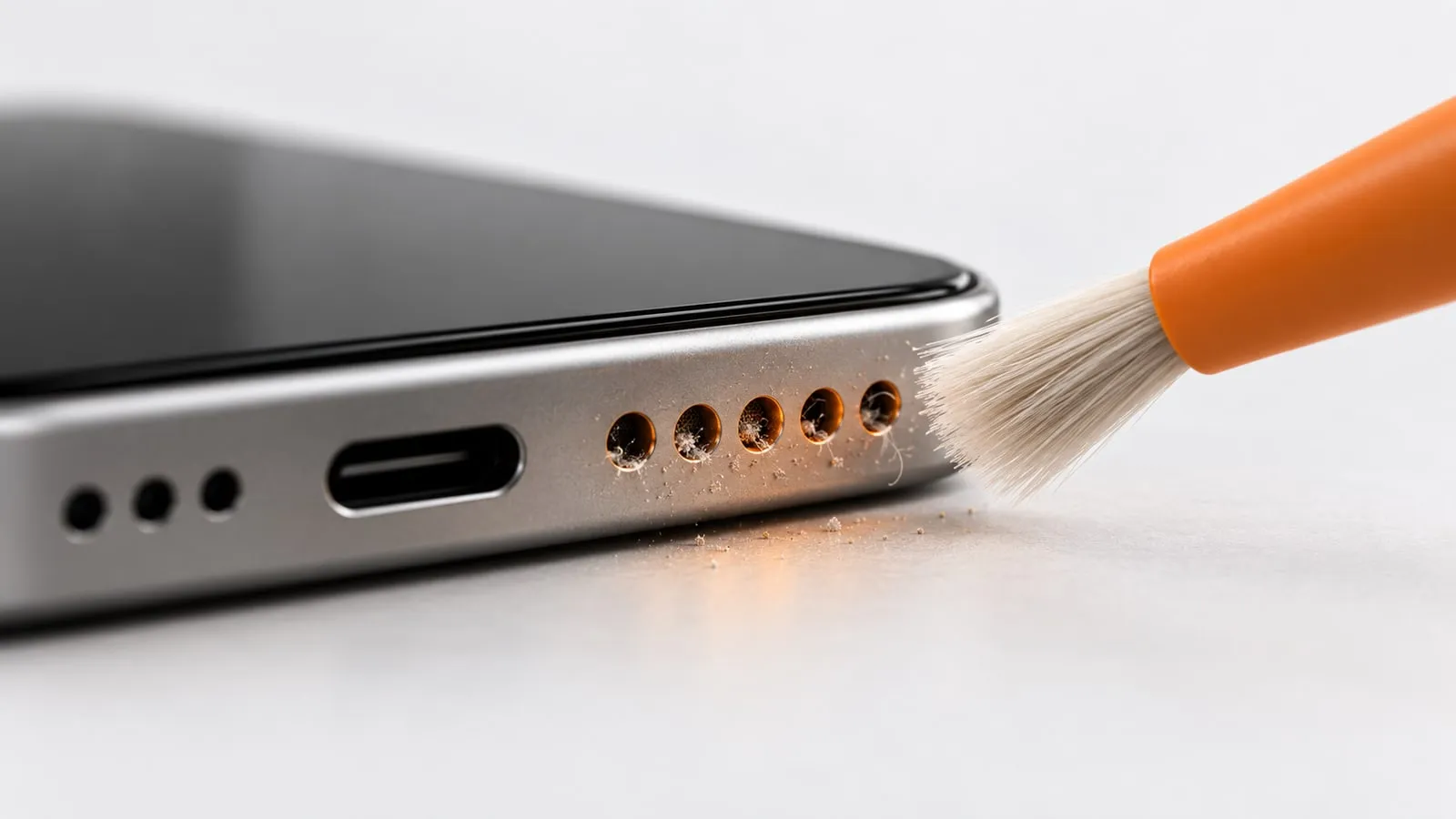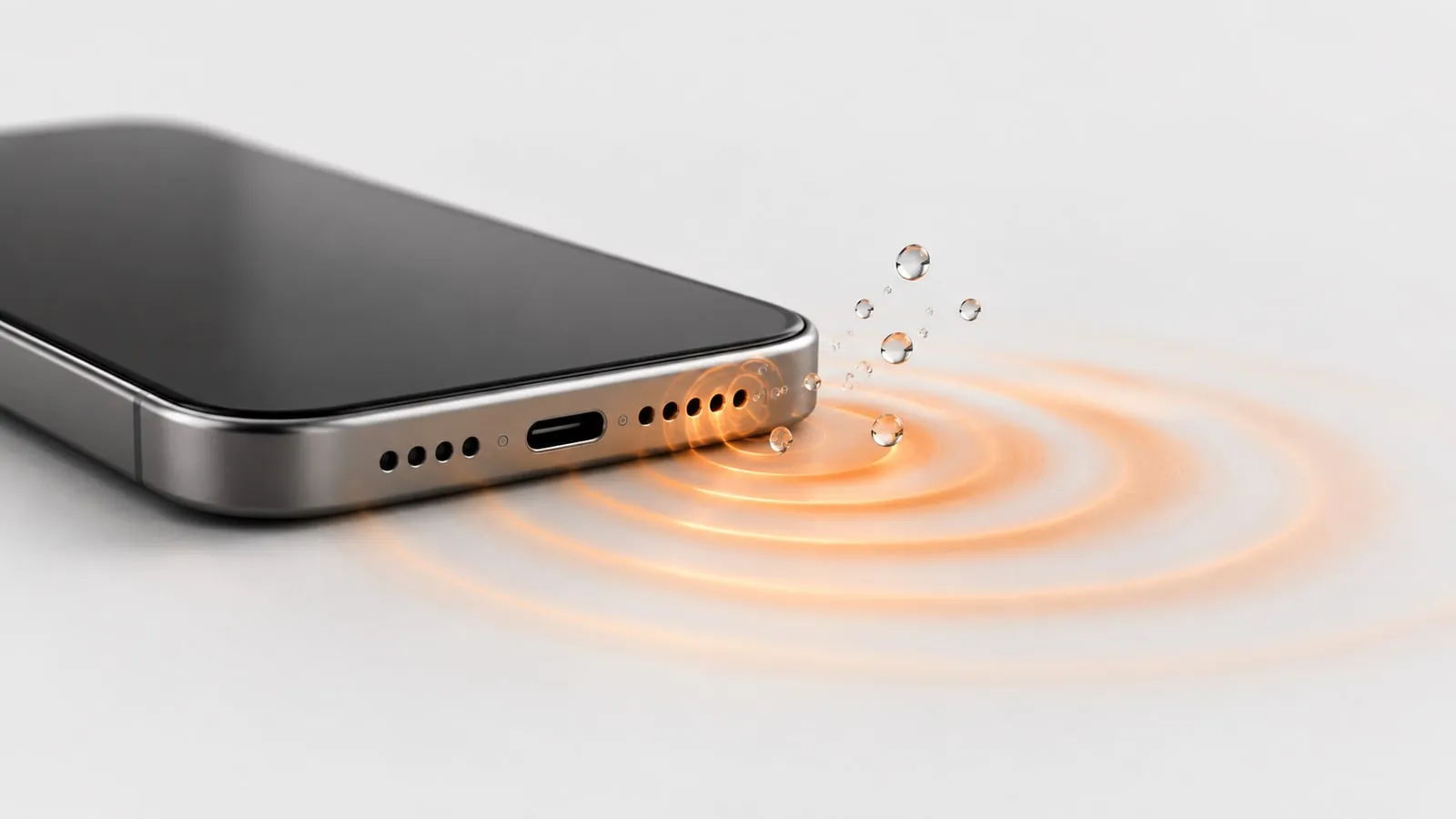
Yes, a speaker cleaner sound works for one specific job: pushing water droplets and loose dust out of your phone’s speaker grille. It works because the speaker’s diaphragm moves back and forth, and each movement pushes air through the tiny grille holes. It will not fix a damaged speaker, corrosion or a phone that won’t turn on. Used in short rounds at normal settings, it is safe for a phone speaker.
You can try it now with the free speaker cleaner tool. It runs in your browser, needs no app, and has modes for water, dust, deep cleaning and the earpiece. Below is why it works, where it stops working, and how to tell which case you are in.
How a speaker cleaner sound pushes water out
A phone speaker is a tiny version of any loudspeaker. A coil sits inside a magnet, and when audio current flows through the coil, it moves a thin diaphragm back and forth. That movement pushes and pulls the air in front of it, and that air movement is the sound you hear.
In front of the diaphragm is a small air chamber, and in front of that is the grille: a mesh with holes that are very small. When water gets in, droplets can sit inside those holes. Surface tension holds them there, like a drop hanging from a straw. The water blocks the air path, so your audio sounds muffled, quiet or crackly.
When the cleaner tone plays at full volume, the diaphragm pushes a burst of air through the chamber with every cycle. That air presses on the trapped droplet from behind. Once the push is strong enough to beat surface tension, the droplet breaks free and moves out through the mesh. If the speaker faces down, gravity helps it leave instead of sliding back in.
Apple uses the same method on Apple Watch: when you turn off Water Lock, the watch plays a series of tones to clear water that remains in the speaker. iPhone has no such built-in feature, which is why web tools and shortcuts exist.
Results vary with how much water got in, where it sits and how your phone’s speaker chamber is shaped. Sometimes one round is enough. Other times the tool clears the grille but some moisture deeper inside has to evaporate on its own, and our guide on whether water in a phone speaker dries on its own gives a rough timeline for that.
Why a low tone works better than a high one
Frequency matters here. In the standard textbook model, a speaker diaphragm has to move about four times as far every time the frequency is cut in half to keep the same loudness. Run that the other way and high frequencies barely move the diaphragm at all.
That is why a low tone around 165 Hz is used for water. It produces far more diaphragm movement (and so more air pushed through the grille) than a 10000 Hz whine at the same volume. We cover the popular high-frequency videos in why 10000 Hz and 20000 Hz speaker cleaners don’t work.
There is a limit in the other direction too. Phone speakers are tiny, and their output falls away as the pitch drops, so deep bass barely comes out at all. The cleaner tone has to be low enough to move the diaphragm a lot, but high enough that a small speaker can still play it with real energy. The full reasoning is in why 165 Hz is the speaker cleaner frequency.
What a speaker cleaner can and can’t fix
If your problem is in the “No” rows, a cleaning sound will not help, no matter how long you run it.
| Problem | Can a cleaner sound help? | Why |
|---|---|---|
| Water droplets in the bottom speaker grille | Yes | Air pushed by the diaphragm moves droplets out of the mesh |
| Loose dust or lint sitting on the grille | Often | A frequency sweep shakes loose, dry particles |
| Water in the earpiece (top call speaker) | Sometimes | Use a gentler earpiece mode; the speaker is smaller |
| Lint packed tightly into the grille | Rarely | Needs gentle brushing, or a repair shop if it is packed deep |
| Sticky residue from soda, coffee or juice | No | It dries in place and needs cleaning or repair |
| Water in the charging port | No | The port has no speaker behind it; let it air dry |
| Crackling from a torn or damaged diaphragm | No | Hardware damage, sound can’t repair it |
| Phone was submerged and won’t turn on | No | Needs a repair shop, not a speaker tone |
| Corrosion after a past spill | No | Corrosion is permanent and gets worse with time |
For step-by-step help with a wet phone, including what to do in the first few minutes, see water in phone speaker: what to do.
Is a speaker cleaner safe for your phone speaker?
For short sessions, yes. Here is why, and where the real risks are.
The tones are in a normal audio range
Your phone speaker plays ringtones, alarms, speakerphone calls and music at full volume every day. The cleaning modes on this site use frequencies between 100 Hz and 1500 Hz, which is ordinary audio. The Manual mode lets you pick from 80 to 1000 Hz. Nothing here asks the speaker to do something it was not built for.
Some phones also pair their speaker with a “smart amplifier” chip that tracks how far the diaphragm moves and how hot the coil gets, and turns the signal down before either passes a safe limit. Where it is fitted, that protection applies to every app and website.
The sessions are short
Every mode has a fixed length:
- Water: 60 seconds
- Dust: 60 seconds
- Deep clean: 2 minutes
- Ear speaker: 45 seconds
- Manual: runs until you stop it, with an automatic stop at 5 minutes
A minute of tone is comparable to a loud ringtone that keeps going while you look for your phone.
Why the 165 Hz tone pulses
The Water mode does not play a flat, nonstop hum. It plays a 165 Hz sine wave for about half a second, drops to a low level for a short moment, then repeats. Each time the tone comes back up, the droplet gets a fresh jolt, so it is shaken by a series of starts instead of one even vibration. A sine wave also keeps the energy on one clean frequency, without the harsh high overtones a square wave adds.
The real risks, and how to avoid them
- Your ears. A cleaner tone at full volume is loud. Don’t hold the phone to your ear while it plays, and keep it away from small children and pets.
- Running it for a very long time. Repeating rounds for an hour won’t clear a problem that three rounds didn’t. Take breaks between rounds.
- A rattle that gets worse. Some buzzing is normal while water moves. A rattle that gets louder or harsher with each round suggests a loose or damaged part. Stop and have it checked.
- Charging while wet. This has nothing to do with the tool, but it is a common way a wet phone turns into a dead one. Apple advises waiting at least 5 hours before charging with a cable or connecting an accessory after liquid exposure.
Web tool vs speaker cleaner app
Speaker cleaner apps and web tools both play tones. The difference is what comes with them.
| Web tool (this site) | Typical cleaner app | |
|---|---|---|
| Install | None, open a web page | Download from an app store |
| Permissions | None | Varies by app, check before installing |
| Storage used | None | App size plus updates |
| Ads | None on the tool | Many free apps are ad-supported |
| Works on iPhone and Android | Yes, in any modern browser | Depends on the app |
| Sound source | Generated live with the Web Audio API | Varies (tone generator or audio file) |
| Vibration | On Android browsers only | Depends on the app and phone |
The web tool generates every tone live in your browser. There is no audio file to download, so there is no compressed recording that might cut or blur the tone.
One honest difference: iPhones block vibration for websites, so on iPhone only the sound does the work. On Android, you can switch on vibration to shake the phone slightly while the tone plays.
How to get the best result
A few small details decide whether one round is enough:
- Turn off silent mode. On iPhone, flip the Ring/Silent switch. iPhone 15 Pro, iPhone 16 and later models have an Action button instead, so turn Silent mode off in Control Center or with the Action button if it is set to Silent. On Android, turn off Do Not Disturb and raise the media volume.
- Disconnect Bluetooth headphones and speakers. Otherwise the tone plays through them instead of your phone.
- Set media volume to maximum. The diaphragm moves most at full volume.
- Take off a thick case if it covers or seals the speaker holes.
- Hold the phone with the speaker facing down. Gravity helps the water fall out.
- Open the tool and choose Water mode, then tap start and let it run the full 60 seconds.
- Wipe the grille with a soft, lint-free cloth to catch droplets that came out.
- Repeat two or three times, then play music or a video to check the sound.
If the sound is clear after drying but you are still not sure the speaker is healthy, the speaker test plays left, right and full-range sweep tones so you can compare both speakers.
Do’s and don’ts
| Do | Don’t | Why |
|---|---|---|
| Tap the phone gently against your hand, connector down | Shake it hard or swing it | Apple recommends gentle tapping to remove excess liquid |
| Leave it in a dry spot with airflow | Use a hair dryer or heater | Apple warns against external heat |
| Use a fan blowing cool air | Use compressed air | Apple warns against compressed air too |
| Wipe the outside with a lint-free cloth | Push cotton swabs or paper into openings | Objects can push water or fibers deeper |
| Let it dry naturally | Put it in rice | Apple says rice particles can damage the phone |
When to stop and get it repaired
A speaker cleaner is the first step, not the last. Stop using it and book a repair if any of these apply:
- The sound is still muffled or distorted after 48 hours of air drying plus a few cleaning rounds.
- The speaker crackles or buzzes at every volume level once the phone is fully dry.
- One speaker is silent or much weaker than the other in a speaker test.
- Your phone keeps showing a liquid-detection alert after a full day of drying.
- The phone gets hot, restarts on its own, or won’t turn on.
- The liquid was salt water, soda, coffee or anything sticky.
Keep in mind that water resistance ratings are not permanent. Apple notes that splash, water and dust resistance can decrease with normal wear, and liquid damage is not covered under its warranty, although you may have rights under consumer law. A repair shop can open the phone, check for corrosion and replace the speaker if needed.
For everything else, the quickest test is to try it. Open the free speaker cleaner, pick Water mode, and give it two or three rounds with the speaker facing down.
Sources
- Apple Support: How to use Water Lock and eject water from your Apple Watch
- Apple Support: If you see a liquid-detection alert on your iPhone
- Apple Support: Splash, water, and dust resistance of iPhone
- Apple Support: Use the Action button, side button, and other controls on your iPhone
- Autoimage: Subwoofer enclosures, more than just a box (excursion vs frequency)
- Texas Instruments: TAS2559 smart amplifier with thermal and excursion protection