A muffled phone speaker is usually caused by something sitting in or over the grille (water, dust, lint, a case) or by audio being routed or processed differently (Bluetooth, an EQ or sound effect setting). A damaged speaker is possible too, but check it last, after the easy causes. Work through the steps below in order. Most take under a minute, and the free phone speaker cleaner clears water and loose dust in 60 seconds with no app to install.
The fast checklist: find the cause in this order
Do these in sequence. Stop as soon as the sound comes back.
- Turn Bluetooth off and play the same video again (10 seconds).
- Take off the case and screen protector and compare (30 seconds).
- Shine a flashlight across the speaker holes at a low angle. Look for droplets, grey fuzz or a shiny film.
- If it was wet in the last day, run Water mode. If it has been getting duller for weeks, brush it and run Dust mode.
- Reset audio settings (EQ, Dolby Atmos, Adapt Sound, Adaptive Sound, balance).
- Restart and update the phone, and test two or three different apps.
- Test the speaker to decide whether it is dirty or damaged.
Muffled speaker symptoms, causes and fixes
| What you notice | Most likely cause | What to do |
|---|---|---|
| Muffled right after rain, a shower, a pool or a spill | Water droplets in the grille | Water mode (165 Hz, 60 s), speaker facing down |
| Slowly got quieter over weeks or months | Dust, lint or pocket grime | Soft brush, then Dust mode |
| Fine without the case, dull with it | Case lip or cutout over the grille | Change or trim the case |
| Calls muffled, music and videos fine | Earpiece blocked by grime or a screen protector | Clean the earpiece, check the cutout, Ear speaker mode |
| Speaker very quiet or silent, sound comes from elsewhere | Bluetooth or app audio routing | Turn Bluetooth off, check Separate app sound (Samsung) |
| Sounds thin or strange in one app only | EQ, sound effect or app issue | Reset EQ and effects, test other apps |
| Quiet or crackly after a flight or big altitude change (Galaxy) | Air pressure inside a sealed phone | Wait, or open the SIM tray halfway for a while |
| Rattle or buzz at normal volume, often after a drop | Damaged speaker | Run a speaker test, then get it repaired |
Cause 1: water in the speaker grille
How to check: the phone got wet in the last day, and sound is muffled, crackly or bubbly. You may see droplets sitting in the holes.
How to fix it:
- Wipe the outside dry with a soft cloth.
- Turn the volume to maximum and switch silent mode off. On iPhone 15 Pro and later, use Control Center or the Action button, because those models have no Ring/Silent switch.
- Hold the phone with the speaker facing down so gravity helps.
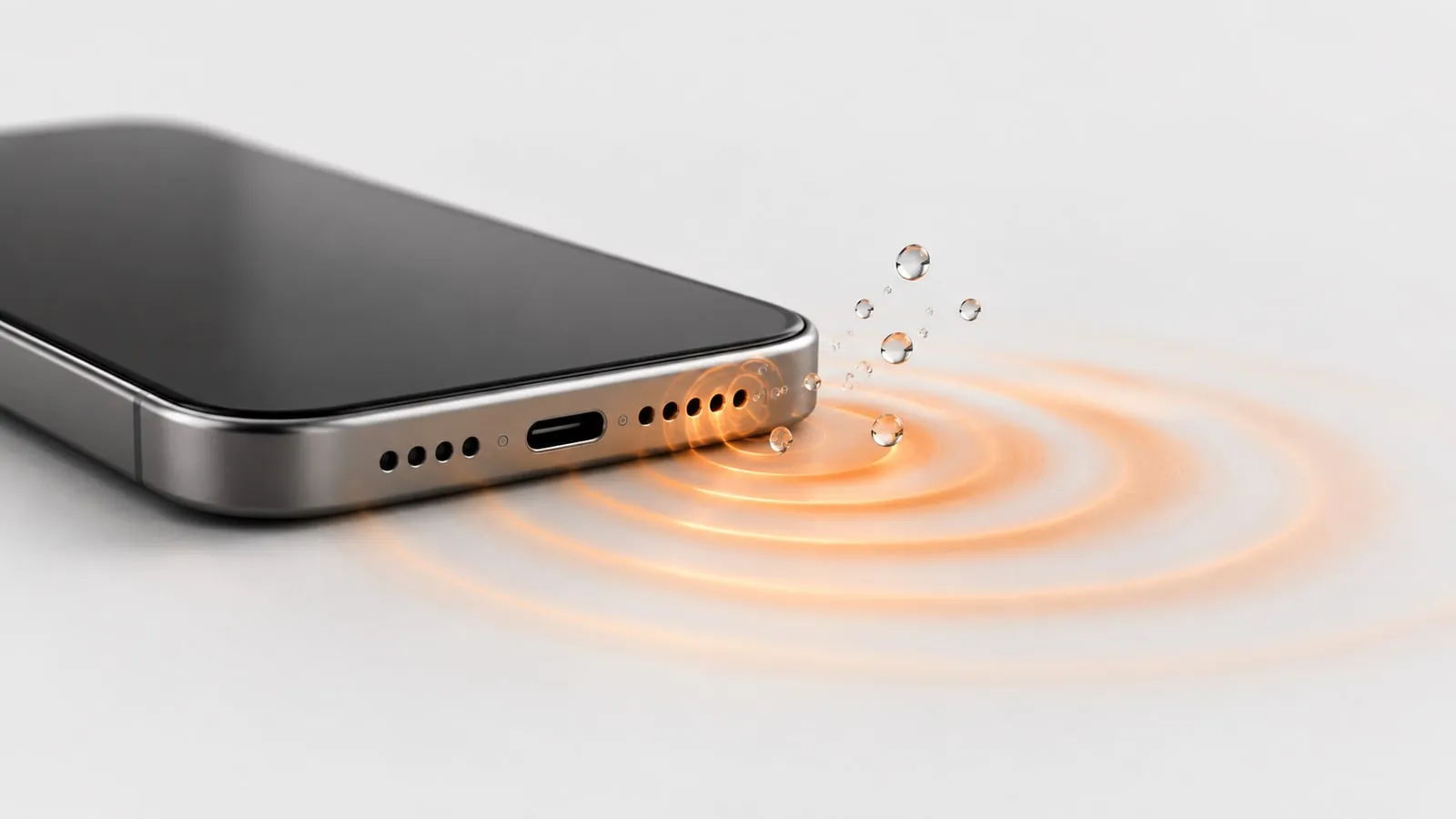
- Run Water mode. It plays a pulsing 165 Hz sine tone for 60 seconds. That low range is where a small phone speaker’s diaphragm moves the furthest, which is what shakes droplets loose.
- Run it again after a minute if the sound is still dull.
On Android, turn on the vibration toggle for extra shaking. iPhones block vibration for websites, so on iPhone the sound does all the work.
For the charging port, Apple’s advice is to tap the iPhone gently against your hand with the connector facing down and leave it in a dry area with some airflow. Apple says not to use an external heat source or compressed air, not to push a cotton swab or paper towel into the connector, and not to put the phone in a bag of rice. The full routine is in our step by step guide to water in a phone speaker, and if the problem is crackling rather than muffling, see iPhone speaker crackling after water.
Be realistic here. Sound can push droplets out of the grille. It cannot dry the inside of a phone that was fully submerged, and it will not fix a phone that restarts, gets hot or won’t turn on after getting wet. If the sound is slowly coming back on its own, our guide to how long water takes to dry out of a phone speaker shows what to expect over the next day or two.
Cause 2: dust, lint and pocket grime
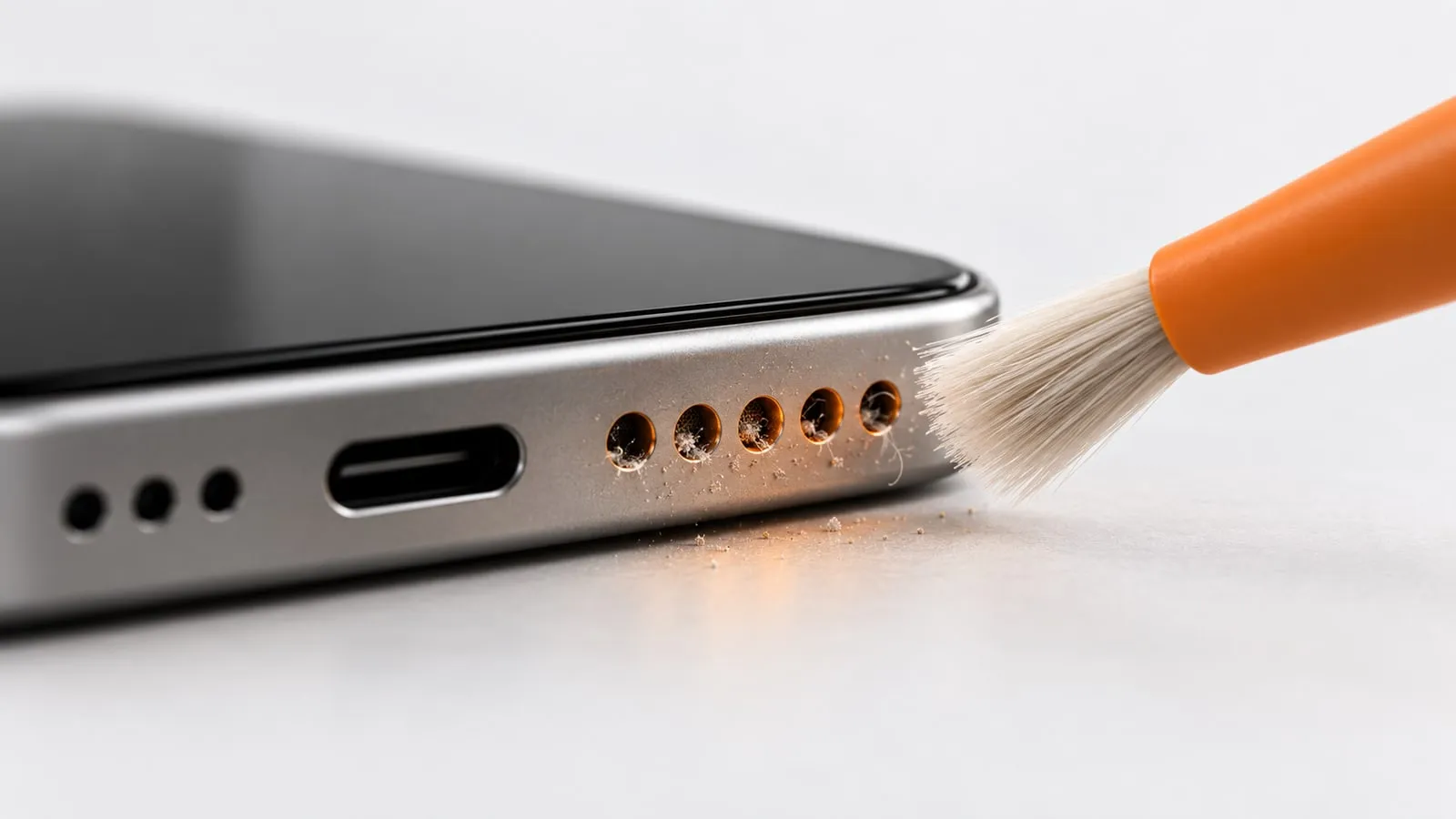
How to check: the speaker got duller slowly, not overnight. Under a flashlight you see grey fuzz, dark specks or an oily film on the mesh. Phones carried in jeans pockets and bags collect lint faster.
How to fix it:
- Power the phone off.
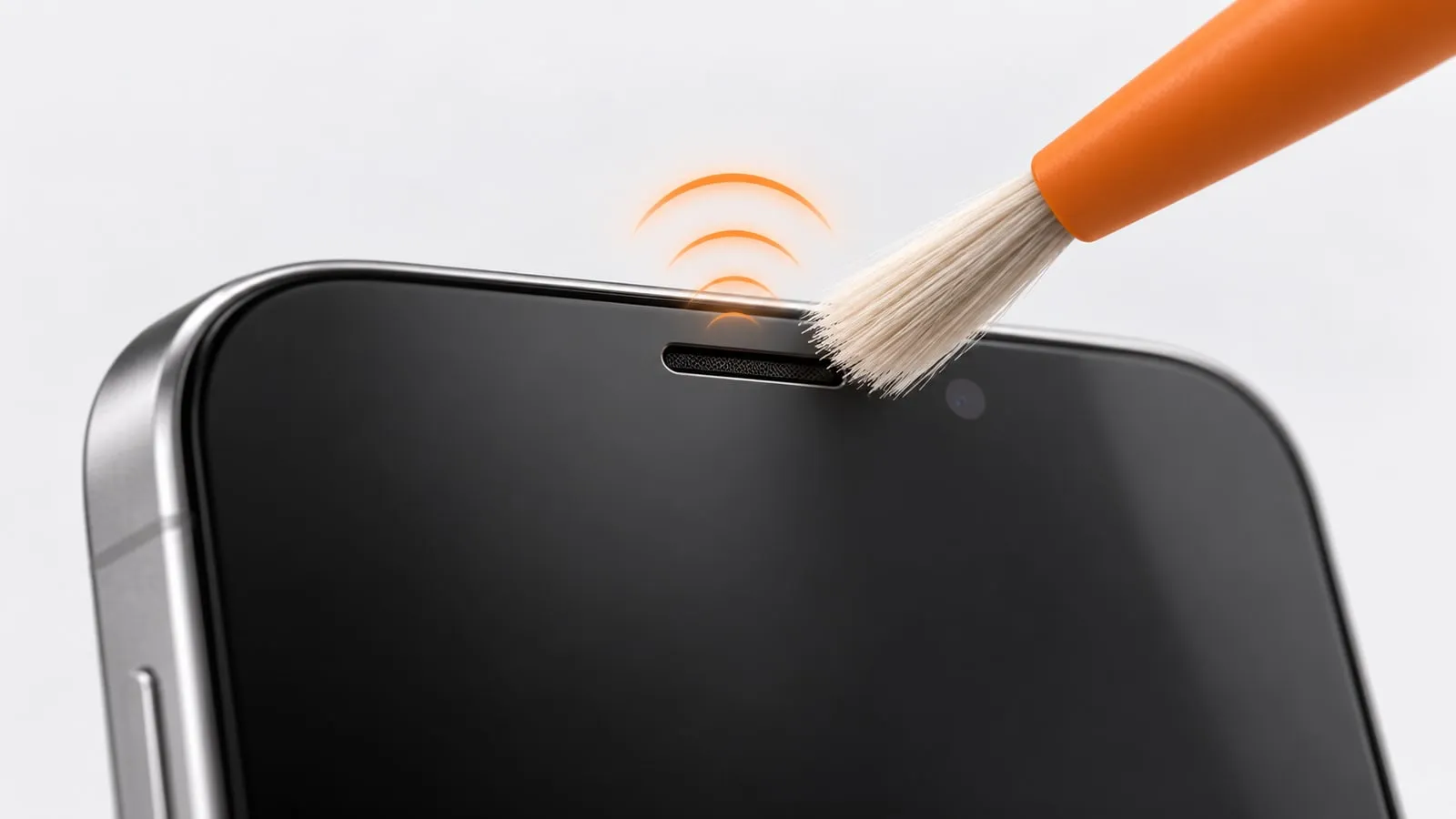
- Brush across the holes with a clean, dry, soft toothbrush held at an angle, so debris is flicked out rather than pushed in. Apple suggests a small, soft-bristled brush that is clean and dry.
- Dab the grille with low-tack putty or tape, pressing lightly. Try it on a hidden spot first, because some putty leaves residue.
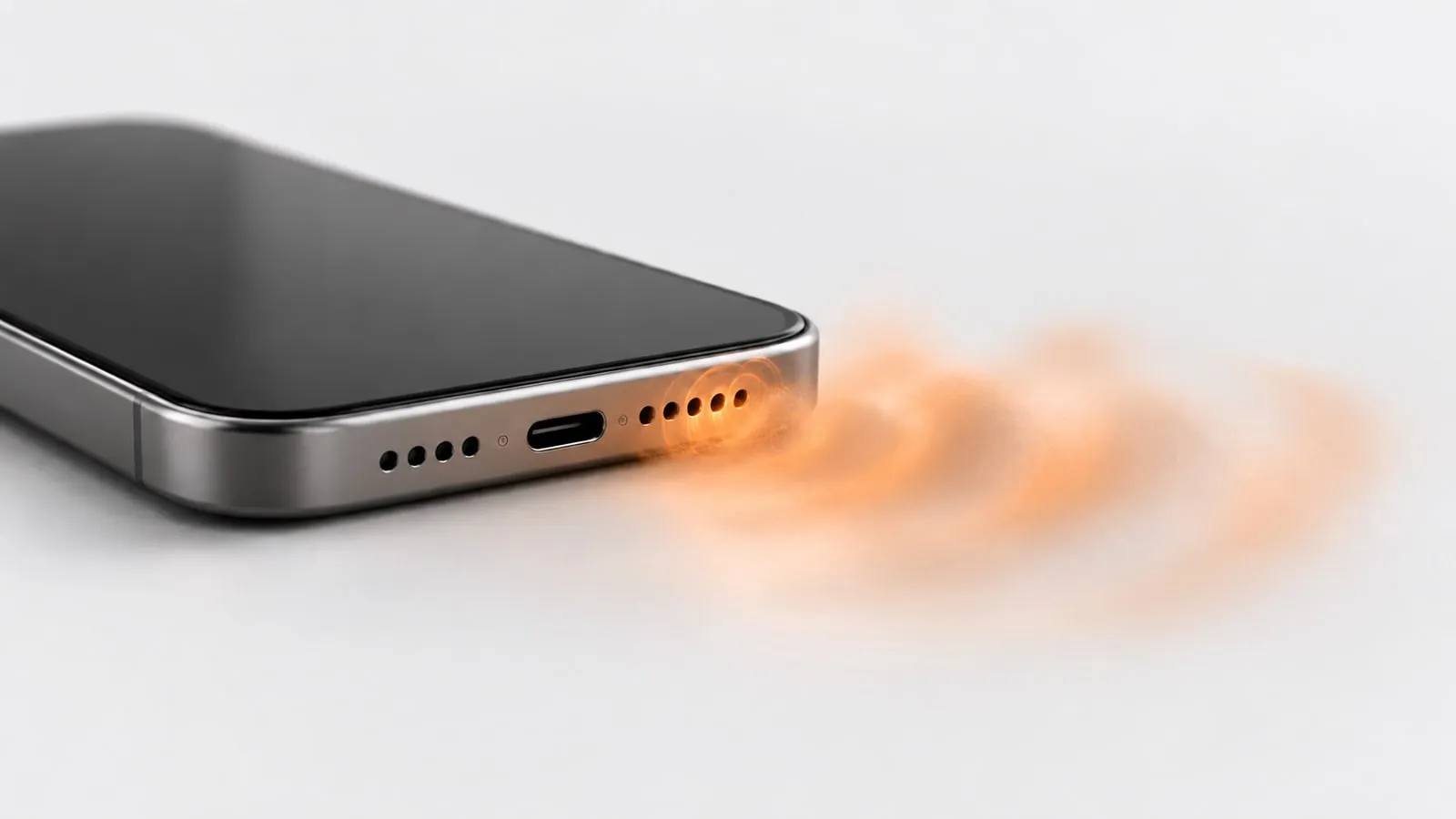
- Turn the phone on and run Dust mode: a sawtooth sweep rising from 200 to 1200 Hz and back, for 60 seconds.
- If it is still dull, run Deep clean (2 minutes).
Skip toothpicks, pins and SIM tools. They push lint deeper and can pierce the mesh. Skip canned air too: Apple’s cleaning guide says not to use compressed air, and Samsung warns that compressed air may damage the device. Our guide on how to clean phone speaker dust covers each tool in detail.
Cause 3: a case or screen protector covering the speaker
How to check: take the case off and play the same clip at the same volume. If the difference is obvious, the case is the problem.
Common culprits are rugged cases with rubber flaps, cheap cases with small or offset holes, and cases that have stretched and shifted over time. When you game or watch video in landscape, your palm can also cover the bottom speaker without you noticing.
For call audio, check the screen protector. The earpiece is a thin slot at the top of the display, and a protector with a missing or misaligned cutout will muffle every call. Apple and Google both list removing screen protectors and cases as an early fix.
Cause 4: Bluetooth or audio going somewhere else
How to check: look for the Bluetooth icon. Earbuds sitting in an open case, a car stereo or a speaker in the next room can quietly hold the connection, so the phone speaker sounds weak or silent.
How to fix it: turn Bluetooth off completely and test again. Google and Samsung both list this step.
On Samsung, also check Settings > Sounds and vibration > Separate app sound. It lets one app play on a different device than the rest of the phone, which can make a single app seem muted. Samsung suggests making sure it is off when troubleshooting.
Cause 5: audio settings that change the sound
Settings rarely cause a sudden change, but a forgotten EQ preset or effect can make a speaker sound dull, thin or lopsided.
iPhone
- Music EQ: Settings > Apps > Music > EQ. Set it to Off and compare. This only affects the Music app.
- Balance and Mono Audio: Settings > Accessibility > Audio & Visual. Center the Balance slider. Mono Audio makes the left and right speakers play the same content.
- Phone Noise Cancellation: in the same menu, on iPhone 12 and earlier only. It works on calls held to your ear, not on the loudspeaker.
Samsung Galaxy
- Dolby Atmos: swipe down with two fingers to open Quick settings and tap Dolby Atmos to turn it off and compare.
- Equalizer: Settings > Sounds and vibration > Sound quality and effects > Equalizer. Set it to Normal.
- Adapt Sound: same menu. If someone set up a personalized sound profile or picked an age group, try turning it off.
- Balance: Settings > Accessibility > Hearing enhancements > Left/right sound balance. Keep it centered.
Pixel and other Android phones
- Adaptive Sound (Pixel 4a 5G through Pixel 10): Settings > Sound & vibration > Adaptive Sound. It adjusts the built-in speaker output to your room, so turn it off to compare.
- Sound Amplifier is often blamed, but Google says it needs wired or Bluetooth headphones. It is not the reason your loudspeaker sounds muffled.
- Other brands use similar names (Sound effects, Audio effects, Hi-Fi). Turn effects off one at a time.
Cause 6: a software glitch
How to check: the sound is muffled in one app but fine in others, or it started right after an update or a new app install. Google suggests playing two or three songs or videos from different apps to narrow it down.
How to fix it: restart the phone and install any pending system update. On Samsung, restart in Safe mode: if the speaker sounds normal there, a downloaded app is the cause. Samsung’s steps are to hold Power (or Volume down and Power), then touch and hold Power off until the Safe mode option appears.
Cause 7: pressure inside a water-resistant phone
Samsung notes that on water-resistant Galaxy phones, speakers can sound quiet, crackly or distorted after a big change in outside air pressure, such as a flight. The pressure usually evens out on its own. Samsung says you can speed it up by sliding the SIM tray about halfway out for a while with the SIM tool, then pushing it back in.
Cause 8: a damaged speaker
How to check: run the speaker test. Play the left, right and both-channel tones, then the 20 Hz to 20 kHz sweep at medium volume. Signs of real damage:
- A rattle or buzz at moderate volume, often at the same pitch every time
- One speaker in a stereo pair far weaker than the other, even after cleaning
- No sound at all with Bluetooth off, silent mode off and volume up
On iPhone, Apple’s own check is Settings > Sounds & Haptics (Sounds on some versions): drag the Ringtone and Alerts slider back and forth. If you hear nothing, or the speaker button on the slider is dimmed, Apple says the speaker might need service.
One thing is not damage: every phone speaker is very quiet below roughly 150 to 200 Hz. If the low end of the sweep is barely audible, that is normal. Our guide on how to test your phone speaker explains how to read the results.
Which cleaning mode to use
| Situation | Mode | What it plays | Time |
|---|---|---|---|
| Just got wet | Water | Pulsing 165 Hz sine | 60 s |
| Gradually duller, lint or dust | Dust | Sawtooth sweep 200-1200 Hz | 60 s |
| Still muffled after one mode | Deep clean | 165 Hz pulse, 100-800 Hz sweep, 140/220 Hz square bursts | 2 min |
| Calls muffled, earpiece dull | Ear speaker | Gentle sine sweep 400-1500 Hz | 45 s |
| Want to hear a before and after | Speaker test | Left, right, both tones and 20 Hz-20 kHz sweep | Your choice |
For every mode: volume at maximum, silent mode off, Bluetooth off, speaker facing down.
When to get it repaired
Stop cleaning and book a repair if any of these apply:
- The speaker is still muffled after brushing, two Deep clean runs and a settings reset.
- You hear a buzz or rattle at normal volume.
- There is no sound at all with Bluetooth off, or the iPhone volume slider button is dimmed.
- The phone was submerged, shows corrosion, or behaves oddly since it got wet.
- The problem started right after a drop.
A speaker module is a small, common repair. Pushing harder with pins or air can turn a cleaning job into a replacement. If you just want to try the quick fix first, open the speaker cleaner and start with the mode that matches your symptom.
Sources
- Apple Support: If you hear no sound or distorted sound from your iPhone speaker
- Apple Support: If you see a liquid-detection alert on your iPhone
- Apple Support: Cleaning your iPhone
- Apple iPhone User Guide: Adjust audio settings on iPhone
- Apple iPhone User Guide: Adjust the sound quality in Music
- Samsung US: Speaker does not work properly on Samsung phone
- Samsung Levant: Troubleshooting speaker and sound issues on a Galaxy device
- Samsung US: Use Dolby Atmos and other audio features on your Galaxy phone
- Google Pixel Help: Why can’t I hear sound from my Pixel phone?
- Google Pixel Help: Adaptive Sound
- Android Accessibility Help: Sound Amplifier