Yes, water in a phone speaker usually dries on its own, often within a few hours and usually within a day or two. The catch is that surface tension holds droplets in the fine mesh over the speaker, so it can sound muffled or buzzy the whole time. Minerals, salt or sugar in the water can also stay behind after it evaporates.
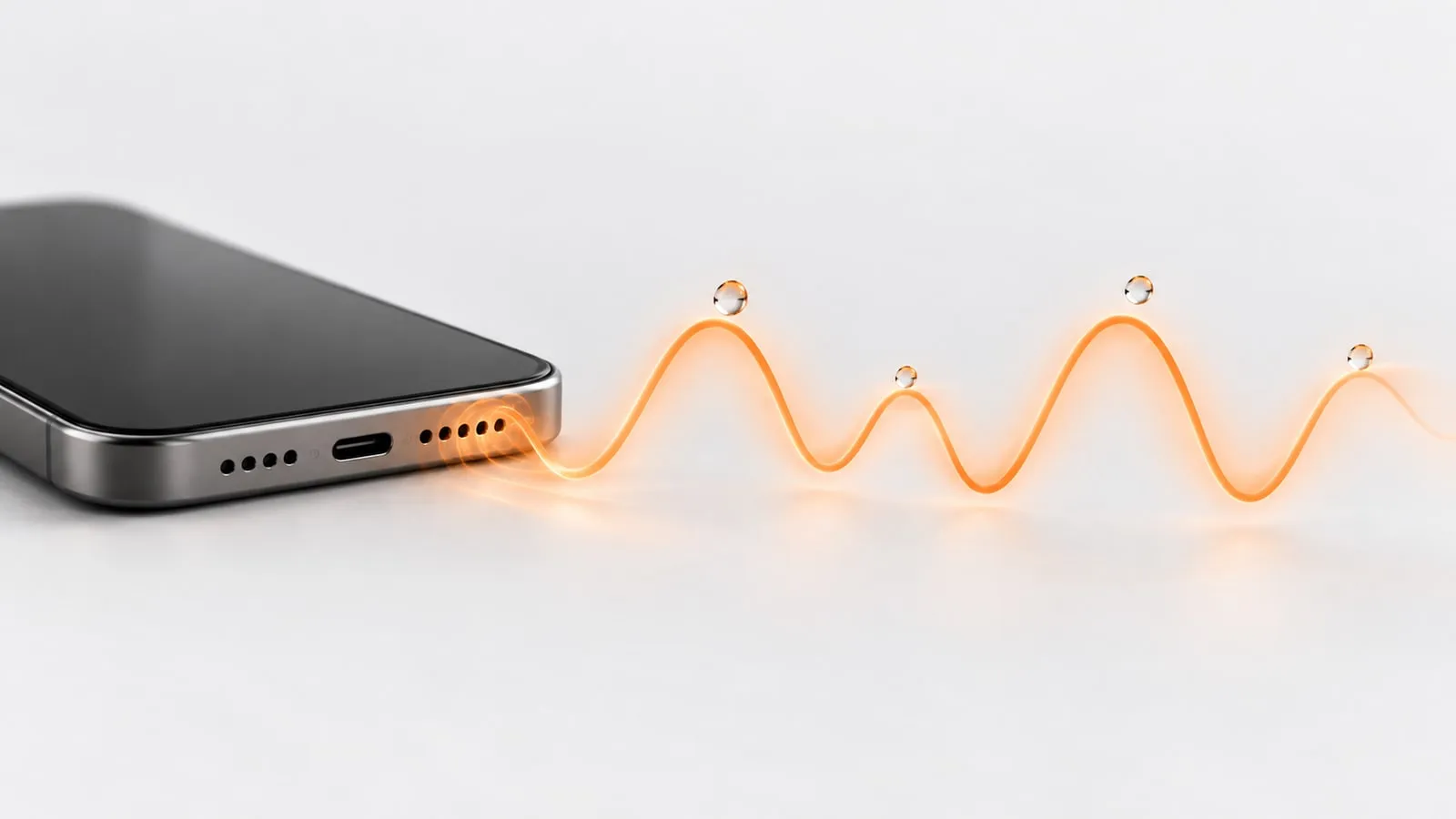
If you do not want to wait, a 60 second water eject sound can push many of the droplets out right away, which leaves less to evaporate. Below is a rough timeline, how to tell water from real damage by ear, and when waiting is no longer the answer.
Why water in a phone speaker dries slowly
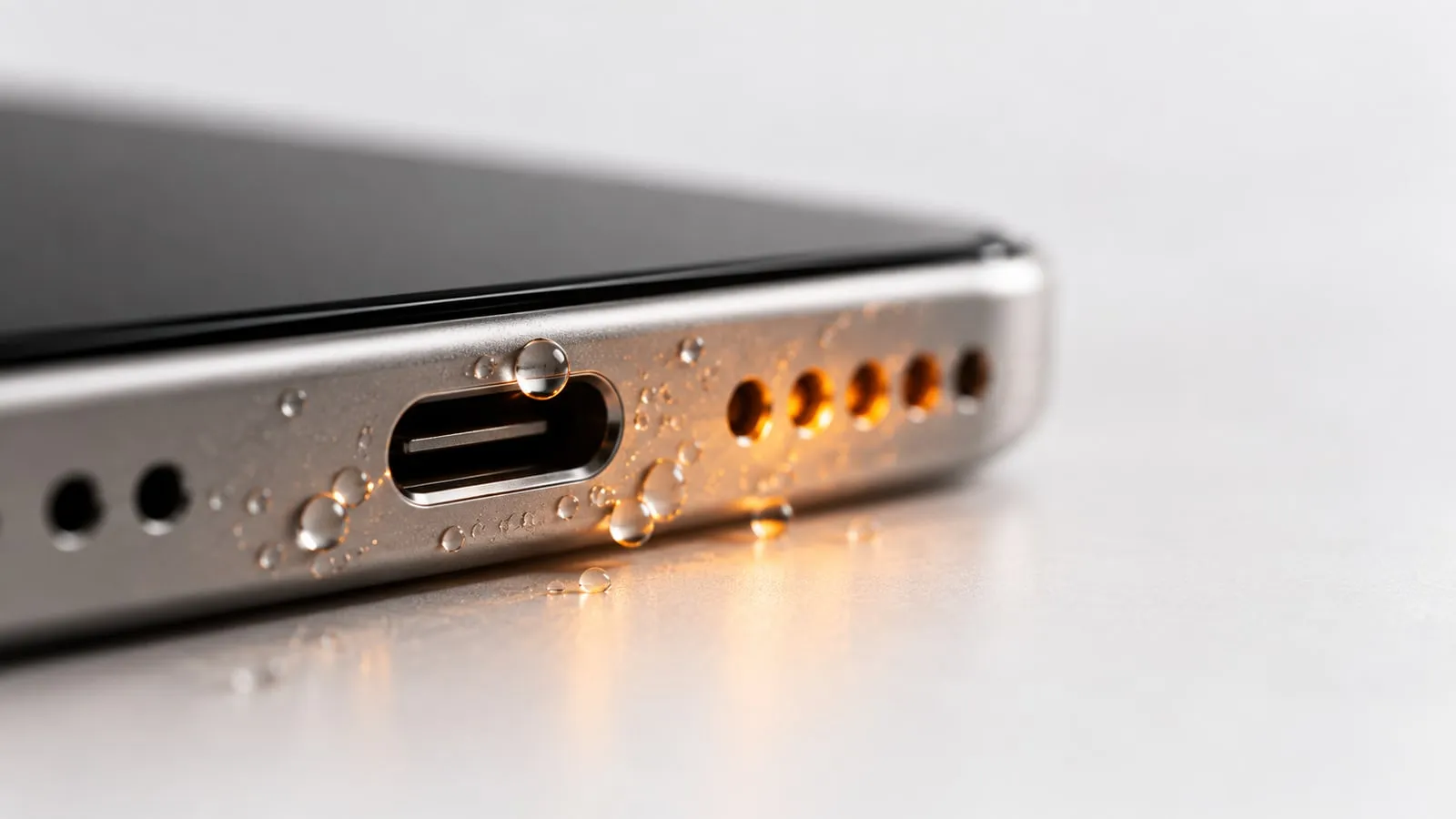
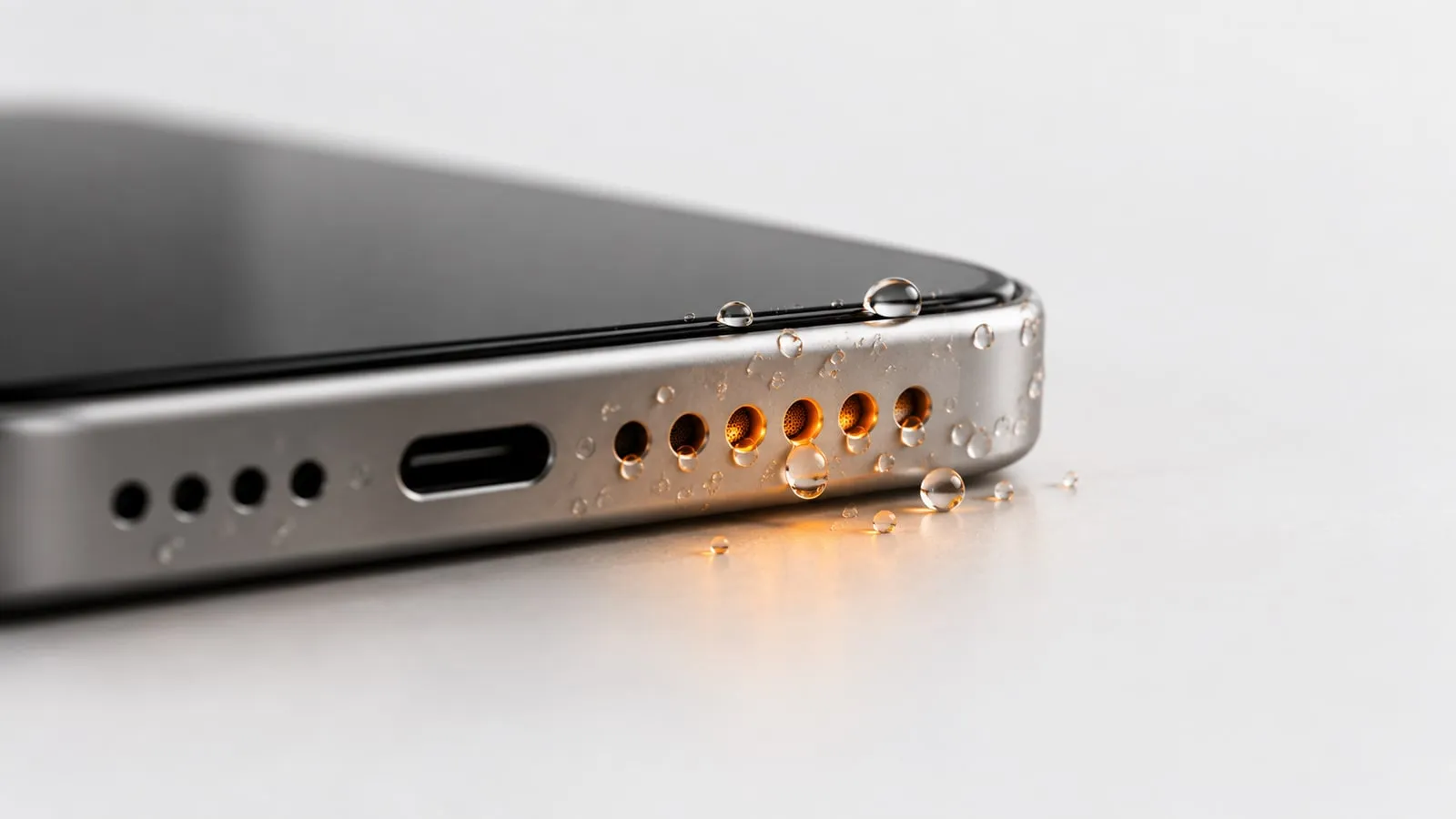
A phone speaker sits behind a grille with tiny holes and a fine mesh. Water forms a thin film across those holes and small beads inside the short channel between the grille and the speaker. Two things slow it down:
- Surface tension. Small droplets grip the mesh and do not fall out on their own, even with the phone upside down.
- Little airflow. Evaporation needs moving air. The speaker channel is a small, mostly closed space, so the air inside barely changes.
Apple describes the effect directly: water in the port “might degrade speaker or microphone performance until it completely evaporates.” In other words, the sound comes back when the water leaves, not before.
How long does water stay in a phone speaker?
There is no fixed number. Room humidity, temperature, how much water got in and whether the case is still on all change the result. Treat this as a rough guide for a water resistant phone after a splash or short dunk in fresh water, not a measured timeline:
| Time since it got wet | What you will likely hear | What to do |
|---|---|---|
| First 10 minutes | Very muffled, quiet, maybe gurgling or buzzing | Wipe, remove case, tap speaker down, run Water mode (60 s) |
| First hour | Noticeably better after the tone, still a bit dull | Run Water mode again or Deep clean (2 min), then leave it |
| 1 to 24 hours | Close to normal, maybe slightly thin at high volume | Air dry in a dry room, speaker side down, fan on cool |
| 24 to 48 hours | Should sound normal | Play music or run the speaker test to check |
| After 48 hours | If still muffled or crackling, it is not just water | Check for residue or debris, then consider a repair |
The charging port follows a similar clock. Apple says a wet Lightning or USB-C connector can take up to 24 hours to fully dry, and asks you to wait at least 5 hours before charging with a cable.
What does water in a phone speaker sound like?
Water changes the sound in a few recognizable ways:
- Muffled or “underwater” sound. Voices lose their crispness, as if the phone is in a pocket.
- Lower volume. The same volume setting sounds quieter than it did before.
- Buzzing, rattling or fizzing on bass notes or at high volume. That is a droplet vibrating on the mesh as the cone moves.
- Gurgling or bubbling right after the phone gets wet, when a lot of water is in the channel.
- Muffled callers. If the earpiece at the top got wet, the other person sounds far away during calls.
- You sound muffled to others. That is water in a microphone hole, not the speaker.
If crackling is what you hear most, our guide to iPhone speaker crackling after water covers that symptom in detail, including how to tell a droplet from grit on the mesh.
Water or damage? How to tell by sound
This matters most, because water goes away on its own and damage does not. Listen for how the problem changes over time and across volumes.
| What you notice | Points to water | Points to damage |
|---|---|---|
| Change over hours | Gets better each hour | Stays exactly the same |
| After a water eject tone | Clearly better right away | No change |
| At low volume | Mostly fine, buzz only when loud | Crackle or distortion even at low volume |
| Type of noise | Soft buzz, fizz, dull tone | Sharp crackle, tearing, popping |
| Left vs right speaker | Only the side that got wet | Stays one-sided after drying |
| After 48 hours in a dry room | Gone | Still there |
To compare properly, use our speaker test. It plays tones on the left, right, or both channels, plus a 20 Hz to 20 kHz sweep. A rattle that shows up at the same point of the sweep every time, long after the phone is dry, is a sign of a mechanical problem. For a full walkthrough, see how to test your phone speaker.
Why waiting alone is sometimes not enough
Waiting works for clean water. It works less well in three cases:
- Salt, chlorine or sugar. When sea water, pool water or soda evaporates, the salt or sugar stays on the mesh. The speaker may stay dull even though it is technically dry. Apple suggests rinsing the affected area with tap water if a liquid other than water splashes on an iPhone. Samsung suggests rinsing water resistant Galaxy phones in clean water for 1 to 3 minutes to remove residue and salt.
- Droplets stuck deep in the channel. Small droplets can sit on the inner side of the mesh for a long time. A low tone can knock them loose much sooner than evaporation would.
- Dust mixed with water. A wet pocket or beach bag adds lint and sand. When it dries, it can form a crust over the grille that sound alone will not clear.
The full rinse and dry routine is in our main guide on water in phone speaker.
How to help it dry faster, safely
You can shorten the wait safely:
- Run the Water mode tone. Open the water eject sound, set the volume to max, turn silent mode off, disconnect Bluetooth, and hold the phone speaker side down. It plays a 165 Hz pulse for 60 seconds.
- Repeat once, or run Deep clean. Deep clean is 2 minutes: a 165 Hz pulse, a 100 to 800 Hz sweep, then 140/220 Hz square-wave bursts.
- Take the case off. It traps water around the bottom of the phone.
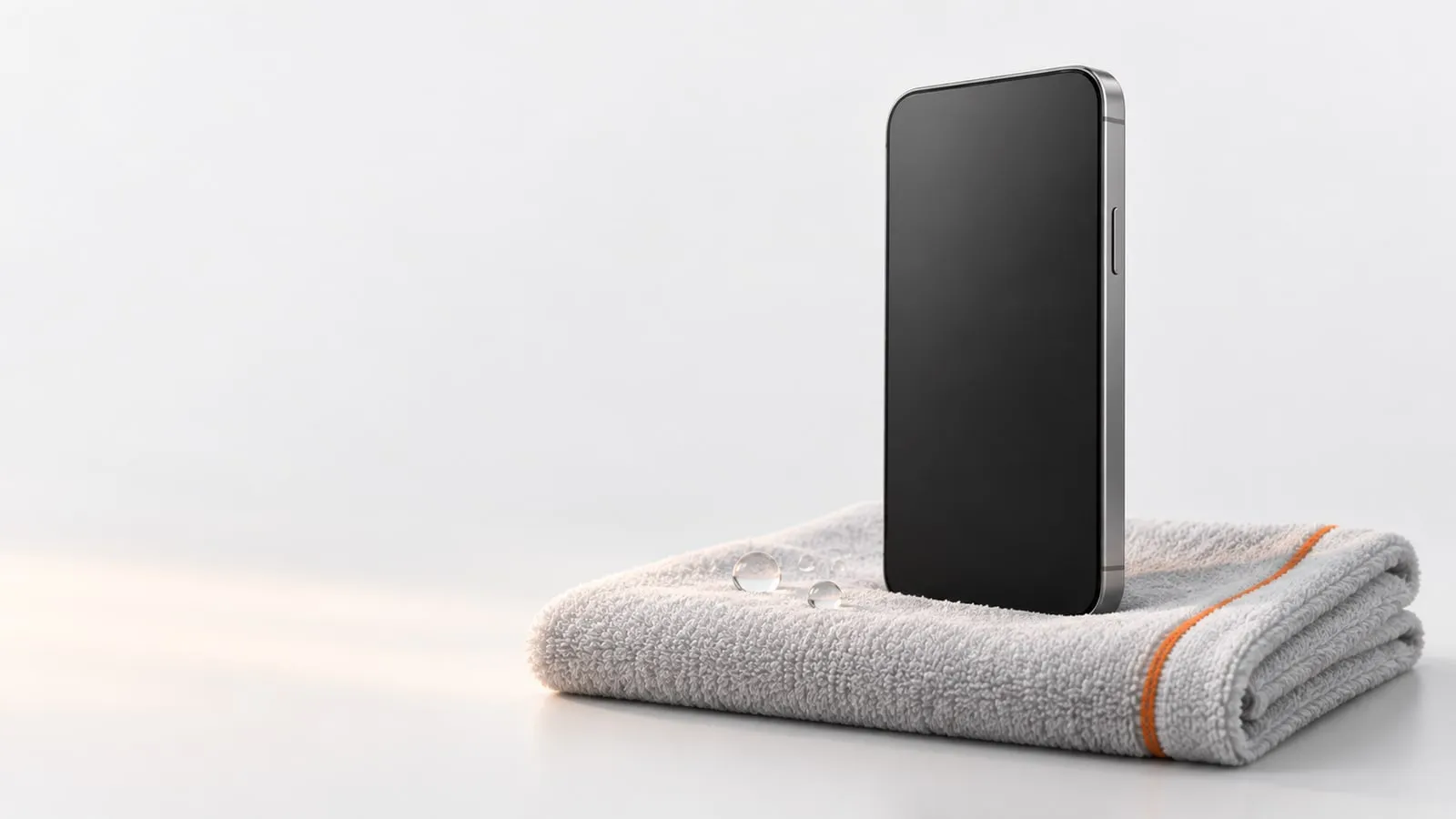
- Lay it speaker side down on a lint-free cloth. Apple suggests this to see whether water drips out.
- Add cool airflow. Apple says a fan blowing cool air into the connector might help. Google says to let a Pixel dry on a flat surface at room temperature.
And skip these: rice (Apple specifically warns against it), a hair dryer or any heat, compressed air, and cotton swabs or tissue pushed into the openings.
Can water permanently damage a phone speaker?
Fresh water on the outside of the speaker mesh of a water resistant phone usually causes no lasting harm. It evaporates and the sound returns. Lasting damage becomes more likely when:
- Residue stays behind. Salt and sugar left on the mesh can keep the sound dull and can lead to corrosion over time.
- The seals have aged. Apple notes that water resistance is not a permanent condition and can decrease with normal wear. An older or repaired phone may let water past the speaker into the phone itself.
- The phone was charged while wet. Apple warns that charging with a wet connector can corrode the pins and cause permanent damage. That affects the port, not the speaker, but it is a common way a small splash turns into a repair.
- The phone was not water resistant to begin with. Samsung advises turning such a phone off right away and having it inspected.
Signs that the damage is real: crackling at every volume, a speaker that is much quieter than the other one days later, or no sound at all when the phone is clearly dry.
When to stop waiting and get it checked
Give a water resistant phone 48 hours in a dry room, with one or two runs of the water eject tone. Then take it to a repair shop or the manufacturer if:
- The speaker still crackles, rattles or sounds distorted at low volume.
- One speaker is clearly weaker than the other on the speaker test.
- A liquid or moisture alert keeps appearing after a full day of drying.
- The phone restarts, glitches, or shows fog inside the camera lens.
Apple does not cover liquid damage under its standard warranty, though AppleCare+ covers it as accidental damage with a service fee. Samsung recommends a service center inspection after water exposure, even when the phone seems to work.
If the only symptom is sound that is slowly getting better, you do not need a repair yet. Run the water eject sound once more and give it time. If it stays dull after drying, why a phone speaker sounds muffled covers the other causes.